How to Use Kling O1: The "Nano-Banana" of AI Video Tutorial
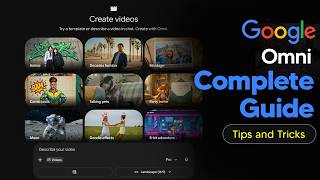
Try Kling O1 here: https://klingaiaffiliate.pxf.io/JKWQMe GenHQ: https://www.skool.com/genhq Kling O1 truly the "Nano-Banana" of AI video editing? 🍌🤖 In this Kling AI video tutorial, we dive deep into the massive O1 (Omni-1) update—the first unified AI model that lets you edit existing videos just by typing! 🔥 What is the "Nano-Banana" of AI Video? Just like the viral image models before it, Kling O1 is being dubbed the "Nano-Banana" because it’s the first tool to combine high-speed generation, incredible prompt adherence, and native video editing in one package. No more complex workflows—just upload, type, and transform. 🚀 In this video, you will learn: The O1 "Unified" Engine: How Kling now handles Text, Image, and Video in a single model. Native Video Editing: How to upload any video and completely change the lighting, background, or style. Character & Clothing Swaps: The secret workflow to change a character's outfit while keeping the video motion 100% consistent. 1080p & 10-Second Workflows: How to get high-res, longer clips without the glitchy artifacts. 💡 Key Features Covered: Change Lighting: Turn day into night or studio lighting into neon cyberpunk. Change Backgrounds: Transport your subject from a bedroom to a beach instantly. Change Clothing: Swap shirts, dresses, or uniforms using simple text prompts. Change Characters: Replace the actor entirely while preserving the original movement. #KlingAI #KlingO1 #AIVideoEditing #NanoBanana #KlingTutorial #TextToVideo #VideoToVideo #AIFilmmaking