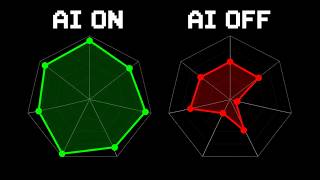
Claude Is Completely Different Now: The New Features You Should Be Using
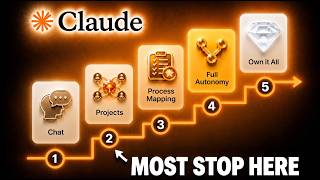
What are the new Claude features from October and November 2026, how do they work, and which of them are actually worth your time? First, we look at how Claude now makes things instead of only text, with Claude Sheets, Claude Whiteboards and Claude Data. Then we see where Claude Design has gone, why the standalone site closes on December 14, 2026, and how the new Install as app button turns what Claude builds into real desktop apps. After that, we explain interactive connectors, how your other apps now open inside Claude, and what the new Plugins page and MCP mean for you. Next, we look at how the new Projects work, with one coordinator running several jobs at the same time, and at Claude Duet, the agent that messages you first. We also answer which model you should use day to day, Opus 5.5 or Fable 5.2. Finally, I share my honest view on what is ready today, what is still early, and where to start. This is part of my deep-dive series on getting real work out of AI. Subscribe to the channel, as more of these practical deep dives are on the way, from getting more out of Claude and ChatGPT to the AI tools that actually save you time at work. Timestamps: 0:00 - How Claude Has Changed 1:14 - Claude Sheets, Whiteboards and Data 3:51 - Claude Design and Install as App 5:46 - Interactive Connectors and Plugins Explained 8:06 - How the New Claude Projects Work 9:44 - What Is Claude Duet and Which Model to Use 12:14 - My Honest Opinion #Claude #ClaudeAI #Anthropic #ClaudeSheets #ClaudeDesign #ClaudeDuet #ClaudeProjects #Opus55 #Fable52 #MCP #AITools #AIProductivity #ArtificialIntelligence #AIExplained