Top 10 NotebookLM Tips and Tricks in 2026
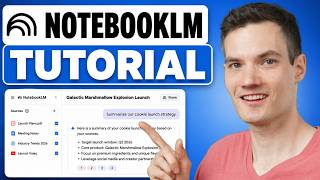
*Free: 20+ NotebookLM Tricks for Content Creation & Productivity* https://clickhubspot.com/jskn 👉 Join the fastest-growing AI education platform! Try it free and explore 20+ top-rated courses in AI included Introduction to AI Agents course: https://bit.ly/skill-leap I go step by step to show how I use NotebookLM better with 10 simple tips. I cover the new NotebookLM update inside Gemini, how I make notebooks faster, and how I pull in sources from the web, Google Drive, and my own files. I also show how I use fast research and deep research to find better NotebookLM sources before I start writing or planning. Then I walk through how I talk to just one source, save strong answers as notes, and turn notes into sources to keep my NotebookLM workflow clean and easy. I share how I use NotebookLM Studio to make infographics, charts, visuals, and mind maps so big topics feel easier to understand. I also show how I use audio overview, interactive mode, different audio styles, and different languages to make the same NotebookLM content work for different people. At the end, I walk through the new video overview tools, including cinematic mode, custom notebook settings, sharing options, and chat customization. This is my simple way to use NotebookLM for research, content creation, and productivity without making it hard.