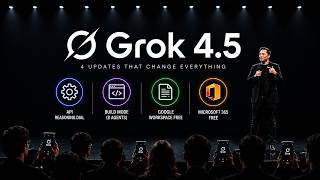
9 Grok Features You're Not Using (And the One Habit That Saves You)
Link to our newsletter: https://bitbiased.ai/ Most people open Grok, type a question like it's Google, and close the tab — using maybe 10% of what it can do. This is the plain-English tour of the other 90%: every tool Grok puts in front of you, what each one is actually for, and the small habits that get you far better results. No coding, no jargon. We cover the personality switch, Grok's headline real-time X and web search, DeepSearch for research, Think mode for hard problems, voice and camera mode, Aurora image generation, Grok Imagine video, uploading your own files, and Companions — plus an honest look at Grok's weakness with citations and how to work around it. By the end you'll know exactly which button to press for which job. ⏱️ Chapters 00:00 You're Using 10% of Grok 00:53 Where to Use Grok (Web, X, Apps, Tesla) 01:16 Tool 1: Chat & the Two Personalities 01:50 Tool 2: Real-Time X + Web Search (Headline Feature) 02:27 Tool 3: DeepSearch — Your Research Assistant 03:08 Tool 4: Think Mode — For the Hard Problems 03:41 Tool 5: Voice & Camera Mode 04:18 Tool 6: Image Generation with Aurora 04:52 Tool 7: Video with Grok Imagine 05:22 Tool 8: Upload Your Own Files 05:54 Tool 9: Companions 06:13 How to Get the Most Out of It 07:13 A Quick Word on Plans 🔔 If this cleared things up, a like and subscribe genuinely helps. Drop a comment with which feature you're trying first. #grok5 #xai #aitools